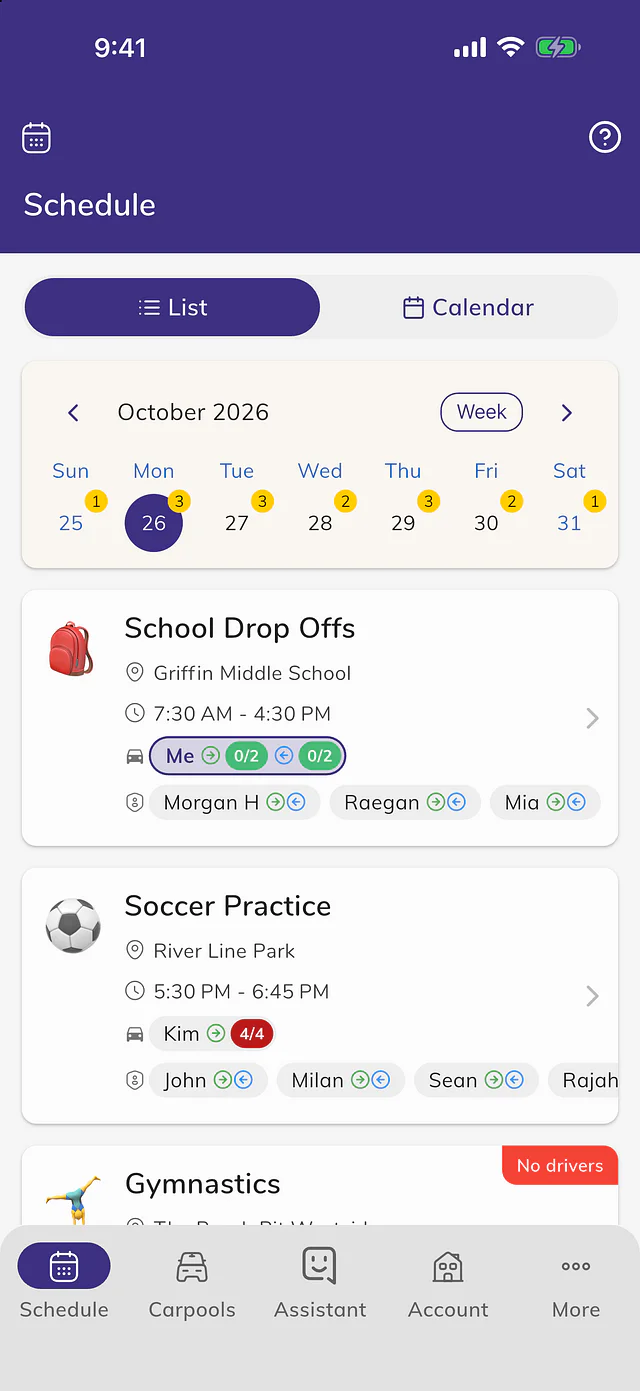
 Kid Hop
Your drives, in the calendar you already use
Kid Hop Premium adds a Kid Hop calendar to Apple Calendar, Google Calendar or Outlook with the trips you drive, and keeps it up to date when plans change.
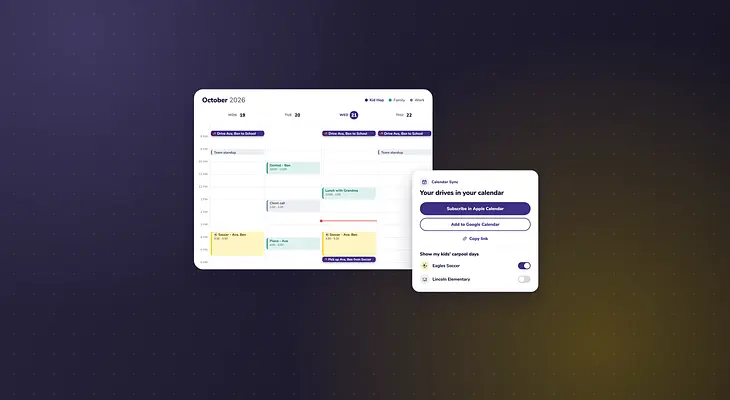
Your week already lives in a calendar: work, the dentist, piano lessons. Now the carpool trips you drive can sit right next to them.
Open the menu and tap Calendar Sync, or find it in a carpool's ⋮ menu. Tap Subscribe in Apple Calendar or Add to Google Calendar, or Copy link to add it to Outlook or another calendar app. Kid Hop adds a calendar of its own, so you can hide it or change its color like any other.
Each trip you drive shows up with the kids in your car and where you're going, and it updates by itself when drivers, times or days change. To also see each day your kids ride and who drives them, turn on their carpools under Show my kids' carpool days. Google Calendar can take up to a day to show a change; Kid Hop notifications still tell you right away.
Calendar Sync is part of Kid Hop Premium, and you need to be signed in to use it. See the steps in How to add your drives to your calendar.